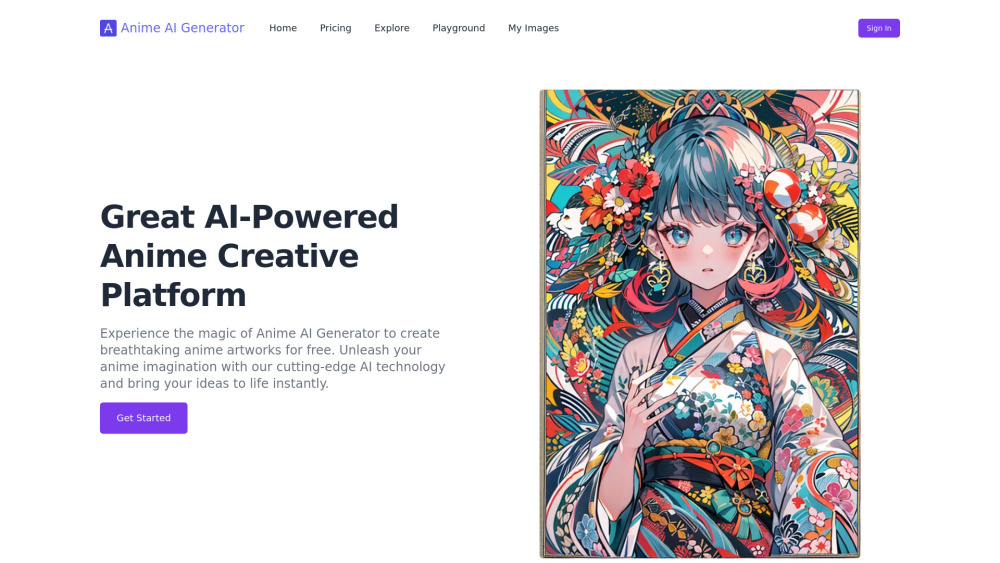
Anime AI Generator
AI tool to generate anime-style artwork from text or images.
Screenshots
Overview
Anime AI Generator is a dedicated tool engineered to produce anime-style artwork from either text descriptions or uploaded source images. It bridges the gap between casual fans and aspiring creators by eliminating the need for drawing skills. Users can input textual narratives or feed in a photograph—such as a selfie or landscape—and the AI will reinterpret the subject within the distinctive aesthetics of anime, complete with vibrant colors, large expressive eyes, and dynamic lineart. The platform is particularly adept at character generation, offering various genre-based filters like mecha, magical girl, or slice-of-life. The resulting images are often suitable for personal projects, fan art, or conceptual design. It provides a fast, intuitive gateway into the world of anime art generation, prioritizing user-friendliness and accessibility.
How to Use
Choose between a text prompt input or an image upload. For images, the AI will extract the main subject and convert it. For text, describe your ideal character and background. Select the desired style filter. Click generate to receive your anime artwork, then refine the prompt or change styles for alternative results.
Core Features
Use Cases
- 1 Creating anime artwork from text descriptions
- 2 Transforming personal photos into anime scenes
- 3 Generating unique anime characters and scenes
- 4 Exploring different anime art styles
Frequently Asked Questions
Can I convert a real-life photo into anime-style art?
What kind of text prompts work best for this tool?
Is this tool free to use?
Quick Info
- Category
- Image Generation & Editing
- Subcategory
- Text to Image
- Added on
- Oct 28 2024
- Monthly Visits
- --
- Rating
- 5.0 / 5.0


