AnyEraser
AI-powered tool to automatically remove image backgrounds.
Screenshots
Overview
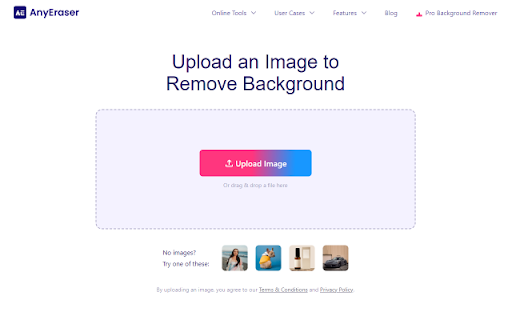
AnyEraser is an AI-powered image editing tool that automatically removes backgrounds with just a few clicks. Designed for creators, marketers, and everyday users alike, it eliminates the need for tedious manual selection and complex software. Whether you're preparing product photos for an online store, designing social media graphics, or just cleaning up personal pictures, AnyEraser delivers precise cutouts quickly and efficiently. The tool highlights how artificial intelligence can simplify routine editing tasks, saving users time while maintaining professional-quality results across a wide range of image types.
How to Use
Upload your image to AnyEraser, and the AI will automatically detect and remove the background. Review the preview, then download the transparent PNG or replace the background with a new image or color.
Core Features
Use Cases
- 1 Removing backgrounds from product photos for e-commerce
- 2 Creating transparent backgrounds for profile pictures
- 3 Changing background colors to emphasize subjects
Frequently Asked Questions
How does AnyEraser remove image backgrounds?
How do I use AnyEraser?
What can I do after removing the background?
Quick Info
- Category
- Image Generation & Editing
- Subcategory
- AI Eraser
- Rating
- 5.0 / 5.0
- Saved
- 1