Gemini Omni
Multimodal AI video generator creating 4K clips with native synchronized audio.
Screenshots
Overview
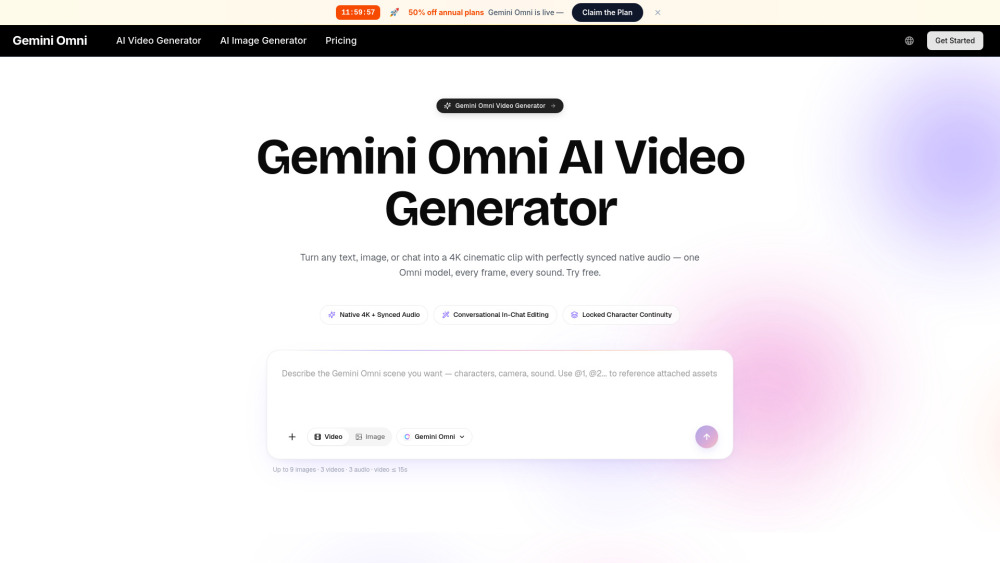
Gemini Omni pushes the boundaries of AI video creation by focusing on high-resolution output and synchronized audio. It is a multimodal generator capable of producing stunning 4K video clips with native sound that aligns perfectly with the visual content. This eliminates the separate post-production step of adding or syncing audio, making it a powerful tool for filmmakers, advertisers, and content creators who need rich, cinematic b-roll or complete scenes. Gemini Omni delivers high-quality, multi-sensory results from simple prompts, defining a new standard for integrated AI media.
How to Use
Open Gemini Omni and type or speak a prompt describing the scene and action for your video. Choose the desired resolution and duration, then let the AI generate a 4K clip with native synchronized audio. Preview and export the final file.
Core Features
Use Cases
- 1 Indie filmmakers creating short-form scenes, storyboard sequences, and pre-visualization
- 2 Performance marketers spinning up ad cuts across multiple aspect ratios with locked character continuity
- 3 E-commerce studios turning product packshots into 4K reels with synchronized ambience and narrations
- 4 Course creators animating and narrating complex historical or concept demos for learning systems
- 5 Founders and solo operators generating investor reels and product walkthroughs with locked voice and likeness
Frequently Asked Questions
What is Gemini Omni?
How is Gemini Omni different from other AI video generators?
Can I edit a Gemini Omni clip by chatting with it?
Are Gemini Omni clips safe to use commercially?
Quick Info
- Category
- Image Generation & Editing
- Subcategory
- AI Image Generator
- Added on
- May 24 2026
- Monthly Visits
- --
- Rating
- 5.0 / 5.0



