Claude Chat - Chrome Extension
A Chrome extension integrating Claude AI for enhanced browsing and productivity.
Screenshots
Overview
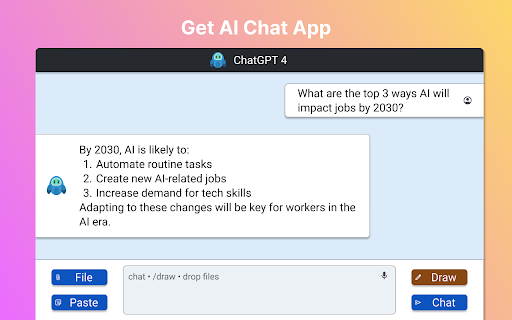
The Claude Chat Chrome Extension integrates Claude AI directly into your browser, enhancing everyday browsing and productivity. It allows you to access AI-powered assistance without leaving your current tab, whether you need help summarizing articles, drafting emails, or brainstorming ideas. Designed for professionals, students, and knowledge workers, this extension makes AI support seamlessly available within your existing web workflow. It's a convenient addition for those who value efficiency and quick access to intelligent help.
How to Use
Install the extension from the Chrome Web Store, then pin it to your browser toolbar. Click the icon to open the Claude chat panel alongside any webpage, allowing you to ask questions, summarize content, or draft responses directly in your browsing context.
Core Features
Use Cases
- 1 Summarizing lengthy PDF documents
- 2 Generating images from text descriptions
- 3 Engaging in hands-free browsing with voice commands
- 4 Researching topics with contextual understanding
- 5 Translating content into multiple languages
Frequently Asked Questions
How does Claude Chat compare to other AI assistants like OpenAI Chat?
Quick Info
- Category
- Image Generation & Editing
- Subcategory
- AI Image Generator
- Added on
- Feb 05 2025
- Monthly Visits
- 66
- Rating
- 5.0 / 5.0
- Reviews
- 1
- Saved
- 1



