AI-NanoBanana
AI image studio for instant visual generation, editing, and cleaning with advanced AI models.
Screenshots
Overview
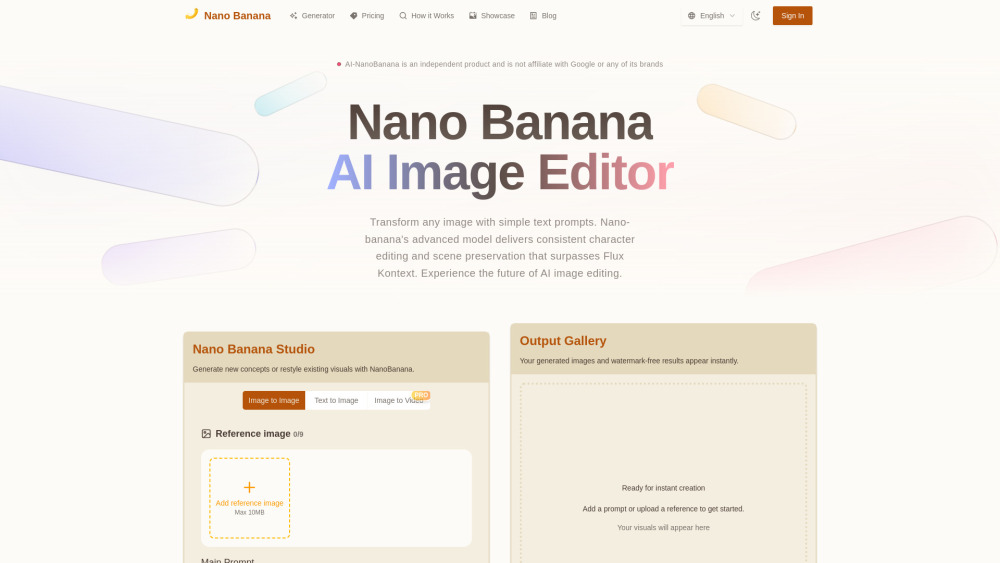
AI-NanoBanana is an AI image studio that offers instant visual generation, editing, and cleaning using advanced AI models. It is designed as a comprehensive workspace for creators who need to produce polished images quickly. The "cleaning" feature is particularly notable, as it can remove unwanted elements, noise, or backgrounds from images with a single click. Beyond that, the platform supports generative capabilities where users can create new visuals from text or enhance existing ones with creative adjustments. Its interface is optimized for speed, allowing rapid iteration of ideas, which is essential for time-sensitive projects. AI-NanoBanana is suitable for designers, e-commerce businesses, and content creators seeking a reliable all-in-one image tool.
How to Use
Start by uploading an image or writing a prompt in the creation field. Choose between generation, editing, or cleaning modes, and adjust parameters like intensity and style. Click apply, then inspect the result; you can fine-tune or regenerate as needed before downloading the final file.
Core Features
Use Cases
- 1 Creating AI UGC content
- 2 Social media campaigns
- 3 Marketing materials
- 4 Generating consistent AI influencers
- 5 Product photography
- 6 Storyboarding
- 7 Concepting mascots
- 8 E-commerce visuals
- 9 Entertainment content
- 10 Educational materials
- 11 SaaS product visuals
Frequently Asked Questions
What does "cleaning" mean in AI-NanoBanana?
Can I edit photos without losing quality?
Is it a cloud-based tool or do I need to install software?
Quick Info
- Category
- Image Generation & Editing
- Subcategory
- Text to Image
- Added on
- Oct 01 2025
- Monthly Visits
- --
- Rating
- 5.0 / 5.0


