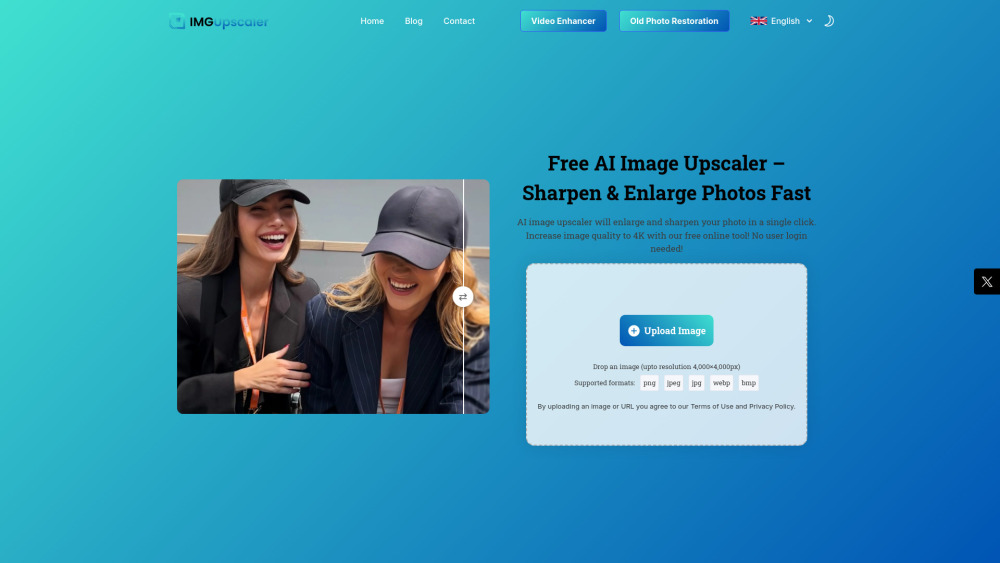
Imgupscaler AI
Free AI image upscaler to sharpen, enlarge, and enhance photos online.
Screenshots
Overview
Imgupscaler AI is a free, browser-based tool designed to breathe new life into your photos. It uses artificial intelligence to sharpen, enlarge, and enhance images, all without requiring any software downloads. Whether you're restoring old family pictures, preparing images for print, or simply improving low-resolution web graphics, this tool offers a straightforward way to boost visual quality. Its accessible, no-cost approach makes it a practical option for casual users and professionals alike who need quick image improvement without complex editing software.
How to Use
Visit Imgupscaler AI, upload your photo, and choose the upscale factor (e.g., 2x or 4x). Click start to process, then preview the enhanced image; download the high-resolution version once satisfied. No cost, no registration required for basic use.
Core Features
Use Cases
- 1 Photography Professionals: Achieve gallery-quality and print-ready images.
- 2 E-commerce and Product Photos: Showcase products in stunning detail to attract customers.
- 3 High-Quality Photo Book and Poster Printing: Enhance resolution for large-format prints.
- 4 Social Media Content: Make photos look Instagram-ready and stand out.
- 5 Real Estate and Architecture: Present properties with high-resolution, clear, and vibrant photos.
- 6 APP/Website Graphics: Upgrade low-res images for apps and websites to look sharp and professional.
Frequently Asked Questions
Is Imgupscaler really free to use?
How many images can I upscale?
What formats do you support?
Can I use this on mobile?
Will my photo look natural after enhancement?
What's the max resolution I can get?
Is my uploaded image secure?
Quick Info
- Category
- Image Generation & Editing
- Subcategory
- AI Image Upscaler
- Added on
- Jun 11 2025
- Monthly Visits
- 2.6M
- Rating
- 5.0 / 5.0
- Saved
- 5
Pricing
Checked from the official website on Aug 28, 2026
Compare Image Generation & Editing pricing




