Imgupscaler AI
Free AI image upscaler to sharpen, enlarge, and enhance photos online.
Screenshots
Overview
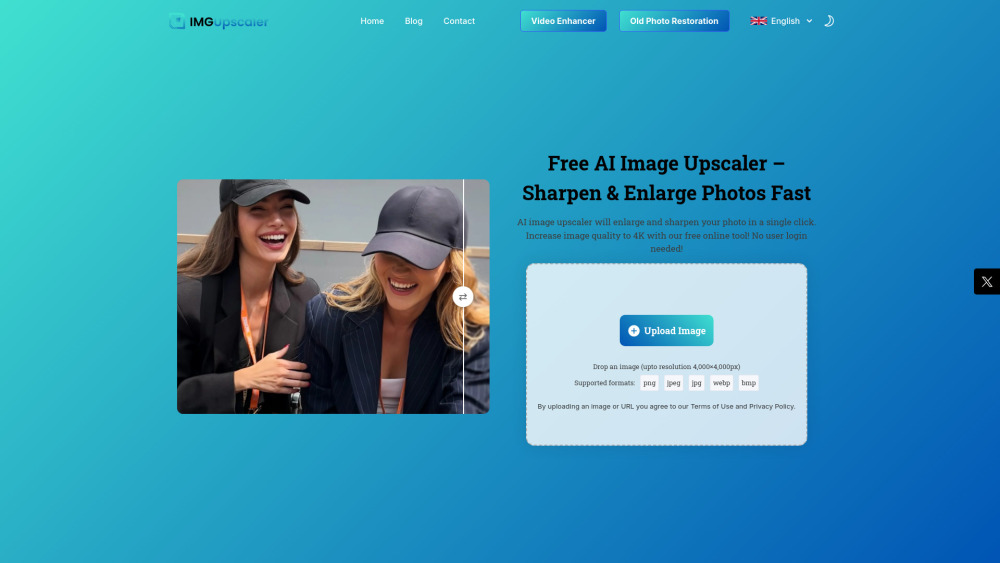
Imgupscaler AI is a powerful, easy-to-use online AI image upscaler that helps users increase image quality, enlarge, sharpen, and enhance photos in seconds. It can transform blurry, pixelated, or low-resolution images by adding missing details, boosting clarity, reducing noise, and restoring lost details, generating high-resolution textures. The tool supports various formats like JPG, PNG, WEBP, BMP, and HEIC, and can enlarge images up to 4x, achieving 4K quality, all without requiring user login or account creation.
How to Use
To use Imgupscaler AI, follow these simple steps: First, upload your image by clicking 'Upload Image' or dragging and dropping a JPG, PNG, WEBP, HEIC, or BMP file into the browser window. Next, the AI upscaler will automatically begin processing, sharpening and enlarging your image up to 2x resolution. Optionally, you can adjust the clarity level to control the final image sharpness and resolution. Finally, download your new high-quality upscaled photo.
Core Features
Use Cases
- 1 Photography Professionals: Achieve gallery-quality and print-ready images.
- 2 E-commerce and Product Photos: Showcase products in stunning detail to attract customers.
- 3 High-Quality Photo Book and Poster Printing: Enhance resolution for large-format prints.
- 4 Social Media Content: Make photos look Instagram-ready and stand out.
- 5 Real Estate and Architecture: Present properties with high-resolution, clear, and vibrant photos.
- 6 APP/Website Graphics: Upgrade low-res images for apps and websites to look sharp and professional.
Frequently Asked Questions
Is Imgupscaler really free to use?
How many images can I upscale?
What formats do you support?
Can I use this on mobile?
Will my photo look natural after enhancement?
What's the max resolution I can get?
Is my uploaded image secure?
Quick Info
- Category
- Image Generation & Editing
- Subcategory
- AI Image Upscaler
- Added on
- Jun 11 2025
- Monthly Visits
- 2.6M
- Rating
- 5.0 / 5.0
- Saved
- 5


