ocrX - Image to Text
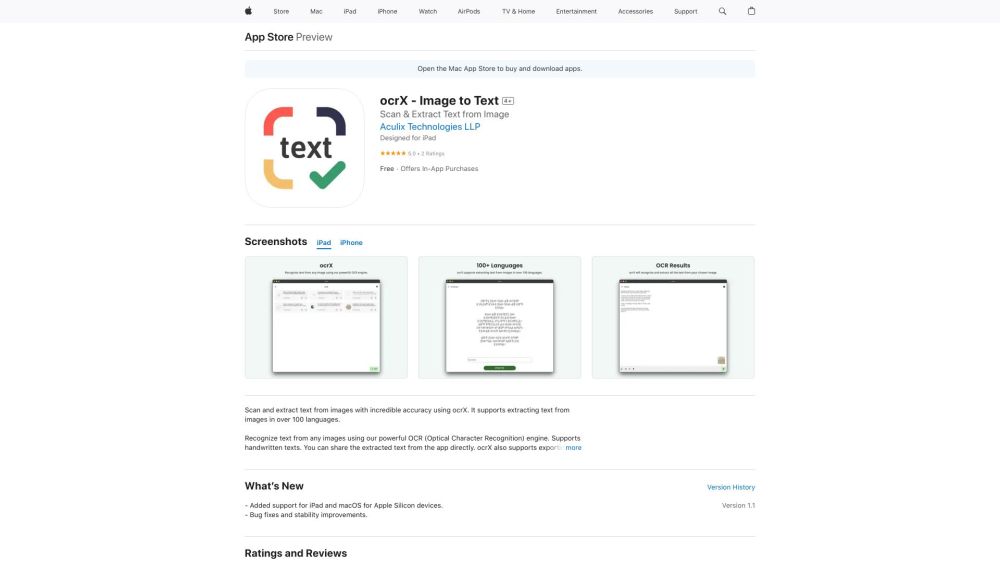
ocrX is an app to scan and extract text from images, supporting 100+ languages.
5.0
Rating
1
Saved
--
Visits/mo
Screenshots
Overview
ocrX - Image to Text is an application available on iPhone, iPad, and macOS that allows users to scan and extract text from images. It supports over 100 languages and offers features to share and export the extracted text as TXT or PDF files. The app utilizes Optical Character Recognition (OCR) technology to recognize text, including handwritten text, from images.
How to Use
To use ocrX, open the app, tap the New button, select an image from your Photo Library, crop the image if needed, choose the language of the text, and the app will automatically scan and extract the text.
Core Features
Scan and extract text from images Supports over 100 languages Share extracted text Export extracted text as TXT or PDF Edit extracted text Copy extracted text to clipboard
Use Cases
- 1 Extracting text from scanned documents
- 2 Converting images of handwritten notes into editable text
- 3 Sharing text from images with other applications
- 4 Creating searchable PDF files from images
Frequently Asked Questions
Q:What file formats can I export the extracted text to? A:You can export the extracted text to common formats such as TXT and PDF.
For details, please visit the official website of ocrX - Image to Text.
Quick Info
- Category
- Image Analysis
- Subcategory
- AI OCR
- Added on
- Jan 17 2024
- Monthly Visits
- --
- Rating
- 5.0 / 5.0
- Saved
- 1
Official Links
Related Tools

OpenL Translate
5.0 AI Text-to-Speech

MealSnap: AI meal log journal
5.0 AI Image Scanning

Handwriting OCR
3.0 AI Transcriber

PDNob PDF Editor
5.0 AI Summarizer

AliExpress Image Search
5.0 AI Image Recognition

Limory - Live Memory AR
5.0 AI Image Recognition

Eden AI
5.0 AI Text-to-Speech

DoubtGo
5.0 AI Speech-to-Text