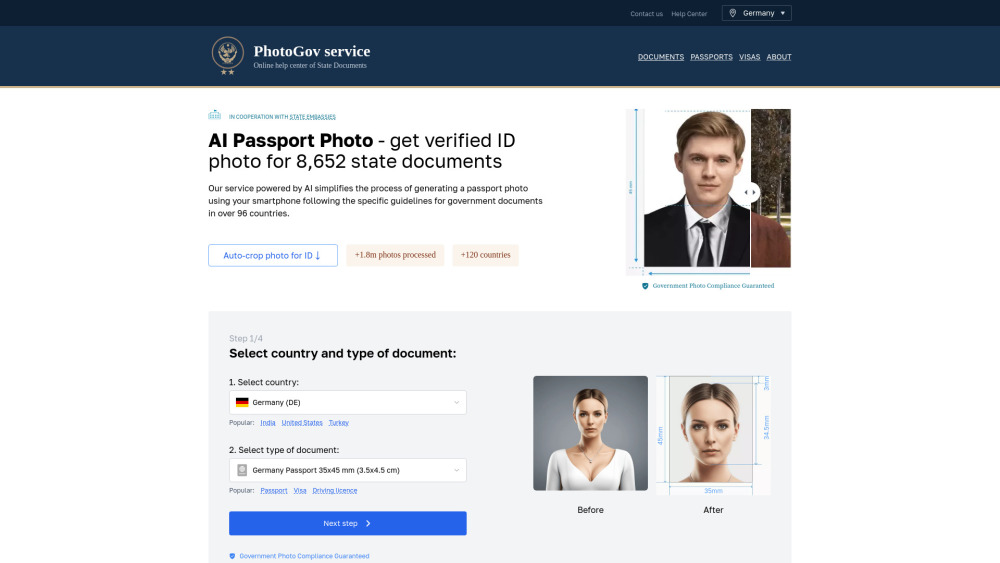
PhotoGov
AI-powered online service for creating compliant passport, visa, and ID photos.
Screenshots
Overview
PhotoGov is an AI-powered online service that helps users create passport, visa, and ID photos that comply with government requirements. It automatically crops photos to the correct dimensions, fixes white backgrounds, and provides printable sheets or digital JPEGs. PhotoGov supports 96 countries and over 1,000 document types, ensuring compliance with official state requirements for passports, visas, work permits, and other government documents.
How to Use
To use PhotoGov, users upload a photo, select the country and document type, and let the AI automatically crop, resize, and adjust the photo to meet government regulations. The final result can be downloaded as a printable sheet or digital file.
Core Features
Use Cases
- 1 Creating passport photos online
- 2 Generating visa photos for various countries
- 3 Making ID photos for government documents
Frequently Asked Questions
What’s the Best Place to Make a Passport Photo?
What Image Formats Are Supported?
Can I Try PhotoGov for Free?
Are My Personal Information and Photos Secured?
How Can I Take Baby Passport Photos?
How Can I Make Sure That My AI Passport Photo Is Acceptable?
Can You Smile in an AI Visa Photo?
Quick Info
- Category
- Image Generation & Editing
- Subcategory
- AI Photo Editor
- Added on
- Apr 14 2025
- Monthly Visits
- 589.3K
- Rating
- 5.0 / 5.0
- Reviews
- 1
- Saved
- 1


