Stylize
AI image editor for enhancing, editing, and stylizing photos.
Screenshots
Overview
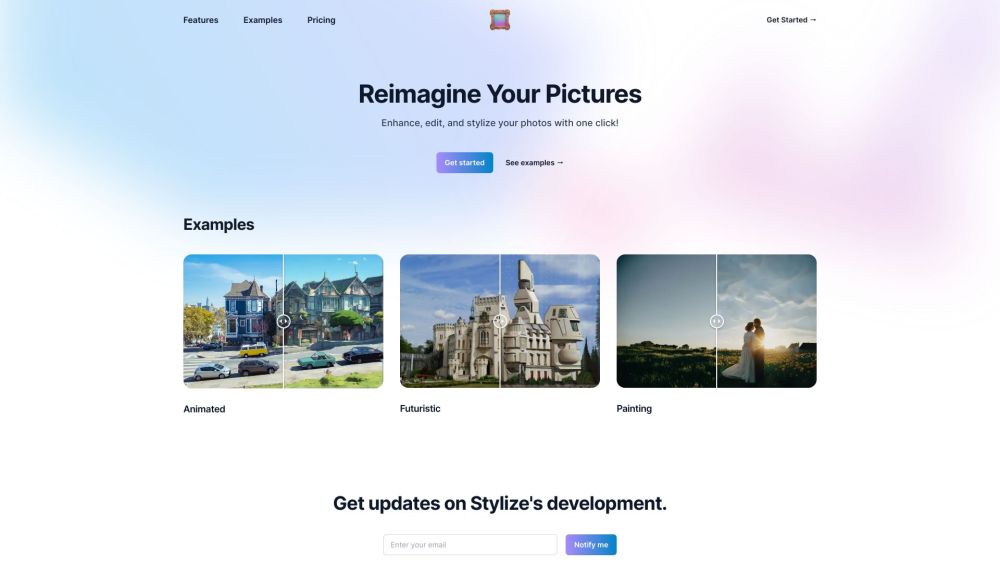
Stylize is a comprehensive AI photo editor that brings three core capabilities to one platform: enhancement, editing, and stylization. Users can improve overall image quality, perform precise adjustments, and apply creative artistic filters to transform their photos into unique visual styles. It's suited for social media influencers, graphic designers, and everyday users who want a single solution for touching up images and experimenting with aesthetic looks. The AI accelerates workflows but retains flexibility for those who want finer control over the outcome.
How to Use
Import a photo into Stylize, then select from AI-driven enhancement or stylization options. Apply edits like color grading, artistic filters, or retouching, and preview in real time before saving or exporting the final image.
Core Features
Use Cases
- 1 Stylizing images with various artistic styles
- 2 Removing backgrounds from product photos
- 3 Colorizing old black and white photos
- 4 Upscaling low-resolution images
- 5 Editing images using text prompts (e.g., 'make it sunset')
Frequently Asked Questions
How much do the services cost?
How can I get more credits?
Is there a free trial?
Can I use Stylize for enterprise purposes?
Quick Info
- Category
- Image Generation & Editing
- Subcategory
- AI Photo Enhancer
- Added on
- Sep 16 2023
- Monthly Visits
- --
- Rating
- 5.0 / 5.0
- Saved
- 2





