AIEnhancer - Free AI Photo Enhancer
A free AI photo enhancer that can achieve 4K image optimization effects
5.0
Rating
1
Reviews
571.0K
Visits/mo
Screenshots
Overview
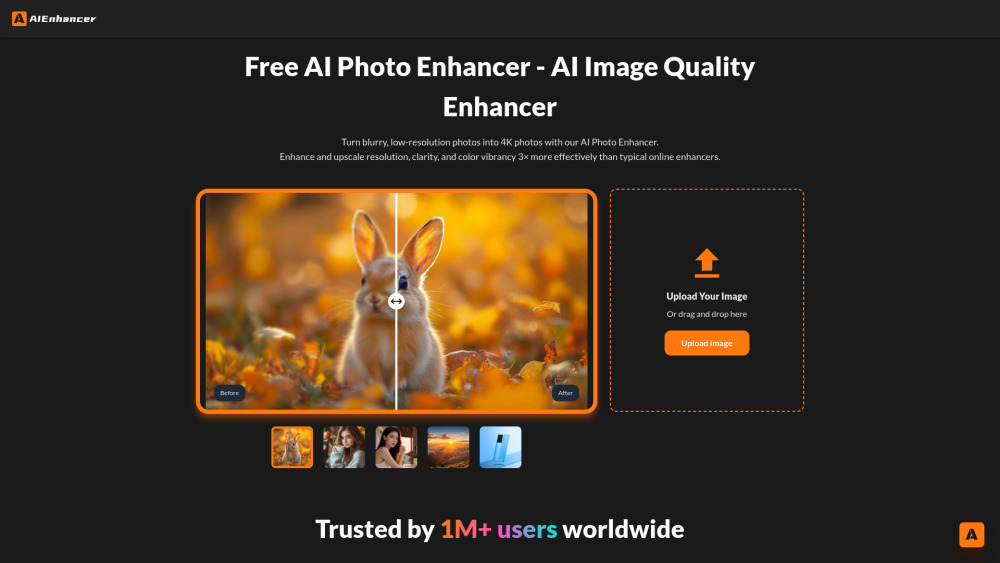
Turn blurry, low-resolution photos into 4K photos with our AI Photo Enhancer. Enhance and upscale resolution, clarity, and color vibrancy 3× more effectively than typical online enhancers.
How to Use
Generate it by exporting a picture that you need to repair. Click "Download" and you will get a high-definition picture.
Core Features
AI Photo Enhancer
Use Cases
- 1 Enhance Old Photos
- 2 Repair Blurry Shots
- 3 Upscale Low-Resolution Images
- 4 Beautify Dark & Noisy Photos
- 5 Correct AI-Generated Art
- 6 Enhance Product Photos
Frequently Asked Questions
How to enhance photo quality?
Upload your photo and AIEnhancer will automatically upscale it to 4K quality, sharpening details and improving clarity in one click.
Can Al Photo Enhancer fx blurry photos?
Yes, the enhancer can fix blurry photos by sharpening edges and restoring detail so they look clearer.
How can l improve colors and lighting in my photos?
The enhancer automatically adjusts colors and lighting to make your photos more vivid and balanced.
Can it repair Al-generated images with distortions?
Yes, AIEnhancer can repair AI-generated images that have distortions, cleaning up artifacts while enhancing overall quality.
What types of images can l enhance?
You can enhance most common image types, including portraits, landscapes, and product photos.
Is Al Photo Enhancer suitable for professional use?
Yes, its 4K enhancement output is good enough for professional use while staying free.
Do l need to install software to use it?
No, AIEnhancer runs in your browser, so no software installation is required.
Is Al Photo Enhancer free to use?
Yes, AIEnhancer is free to use and delivers 4K-quality enhancement without any charge.
Quick Info
- Category
- Image Generation & Editing
- Subcategory
- AI Photo Enhancer
- Added on
- Sep 10 2025
- Monthly Visits
- 571.0K
- Rating
- 5.0 / 5.0
- Reviews
- 1


