AudioX
AI audio generation tool for creating music and sound effects quickly and easily.
Screenshots
Overview
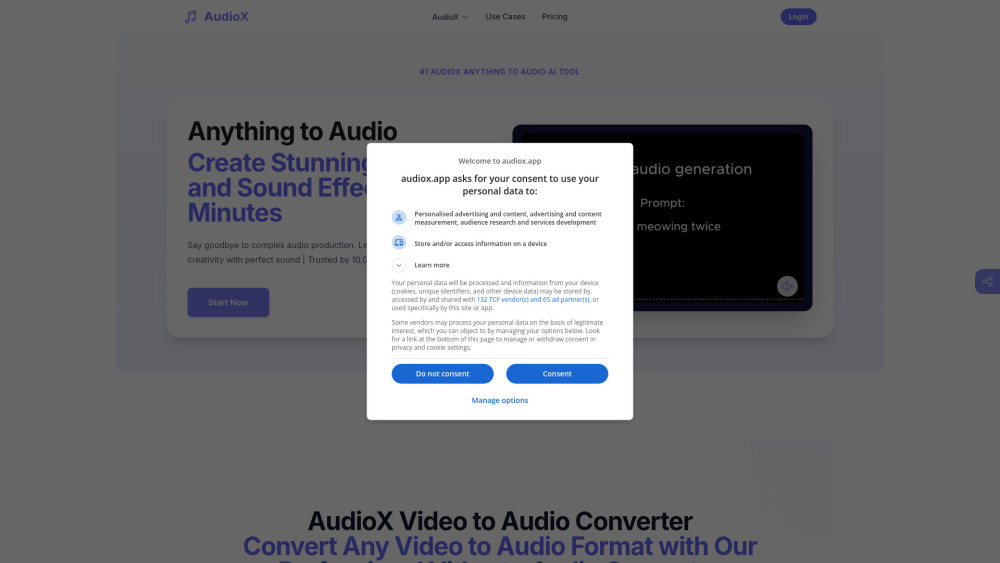
AudioX is an AI audio generation tool designed for creating music and sound effects quickly and easily. It removes the barriers of traditional production by letting users generate high-quality audio assets through simple inputs. Whether for background scores, transitions, or foley effects, AudioX targets creators across media production, advertising, and content development. Its focus on speed and simplicity makes it accessible to those without formal music training, while still offering enough flexibility for professionals to iterate on ideas in real time.
How to Use
Open AudioX and select a creation mode for music or sound effects. Enter a description or choose from templates, then adjust length and style options. Generate your audio, preview it, and re-generate with modified inputs until satisfied, then save the final result.
Core Features
Use Cases
- 1 Generating general audio for videos
- 2 Creating music with piano or violin instruments
- 3 Generating tragic or scary background music
- 4 Creating ocean wave sounds with people laughing
- 5 Sound effects production for games
- 6 Enhancing video engagement and follower growth
- 7 Injecting fresh energy into music albums
Frequently Asked Questions
Do I need music knowledge to use AudioX AI audio generation tools?
Can I use AudioX AI-generated audio for commercial projects?
What audio formats does AudioX support for export?
Can I edit the AudioX AI-generated audio?
How can I get the best AudioX AI audio generation results?
What languages does AudioX AI audio generation support?
Quick Info
- Category
- Music & Audio
- Subcategory
- AI Sound Effect Generator
- Added on
- May 09 2025
- Monthly Visits
- 23.8K
- Rating
- 3.0 / 5.0
- Reviews
- 2
- Saved
- 2