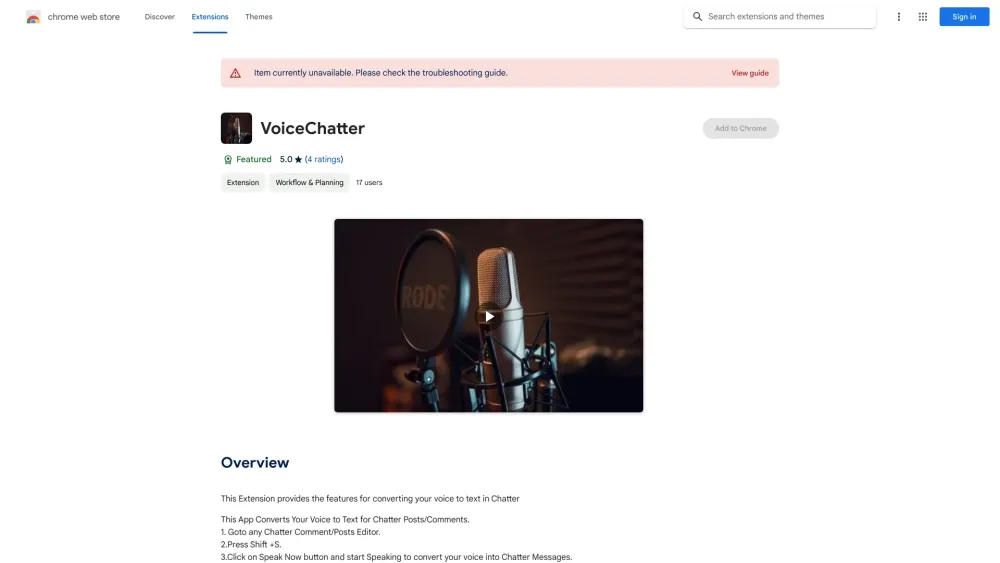
Voice to Chatter Converter - Chrome Extension
Converts voice to text for Chatter posts and comments.
Screenshots
Overview
Voice to Chatter Converter is a Chrome extension that streamlines online communication by letting users speak instead of type. It captures your voice and converts it into text that can be directly posted into Chatter, Salesforce's enterprise social collaboration tool. This hands-free approach saves time for busy salespeople, support agents, and managers who frequently update their teams or share insights throughout the day. By removing the friction of typing, it encourages more frequent and detailed updates, helping teams stay informed and connected with minimal effort.
How to Use
Install the extension, then click its icon while on a Chatter post or comment field. Speak your message; the tool converts your voice into text and inserts it automatically.
Core Features
Use Cases
- 1 Creating Chatter posts and comments hands-free
- 2 Quickly drafting messages using voice input
Frequently Asked Questions
How do I start using the voice-to-text feature?
Quick Info
- Category
- Voice Generation & Conversion
- Subcategory
- AI Speech-to-Text
- Added on
- Feb 03 2022
- Monthly Visits
- 41
- Rating
- 5.0 / 5.0
- Reviews
- 4






